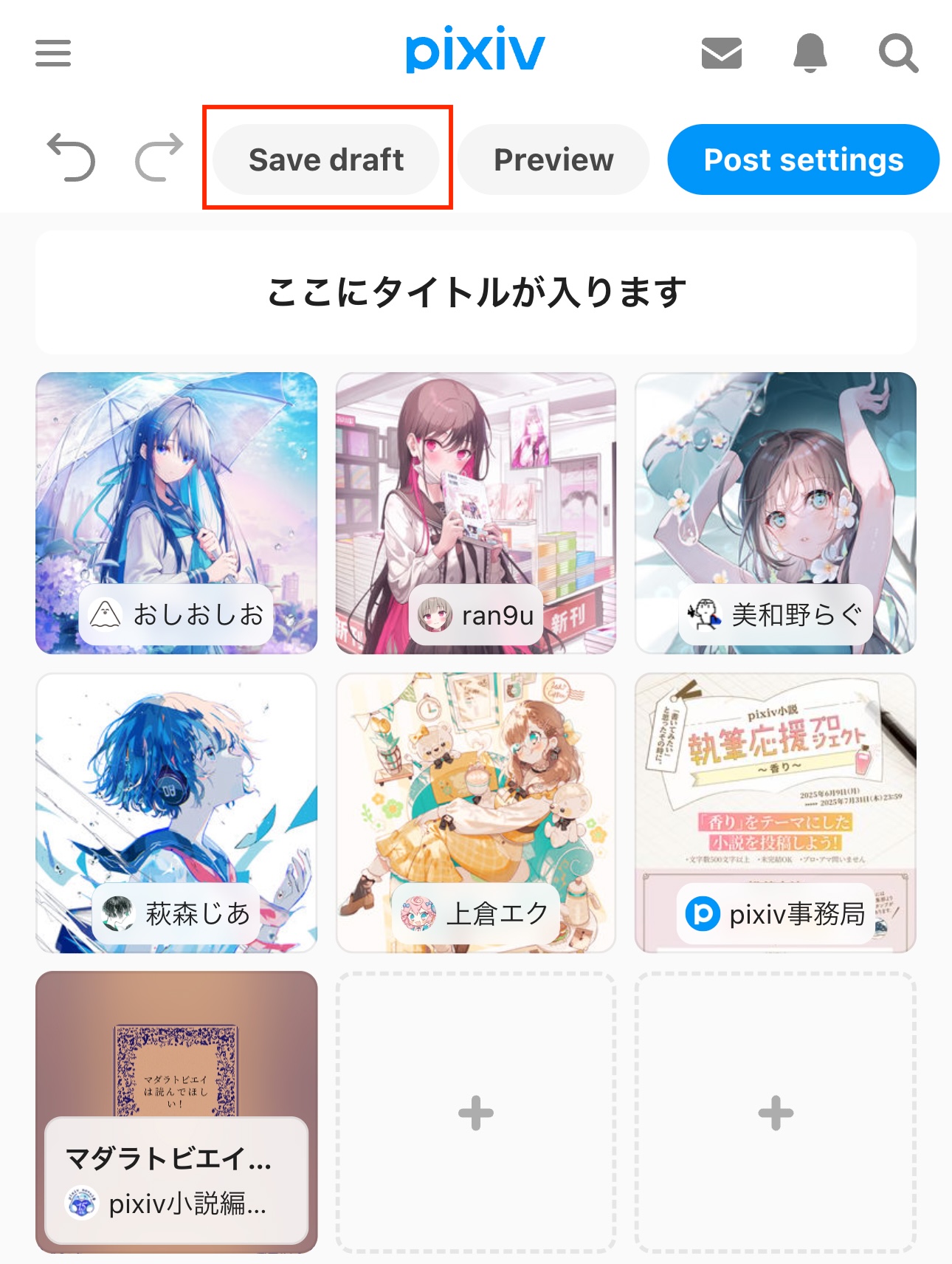
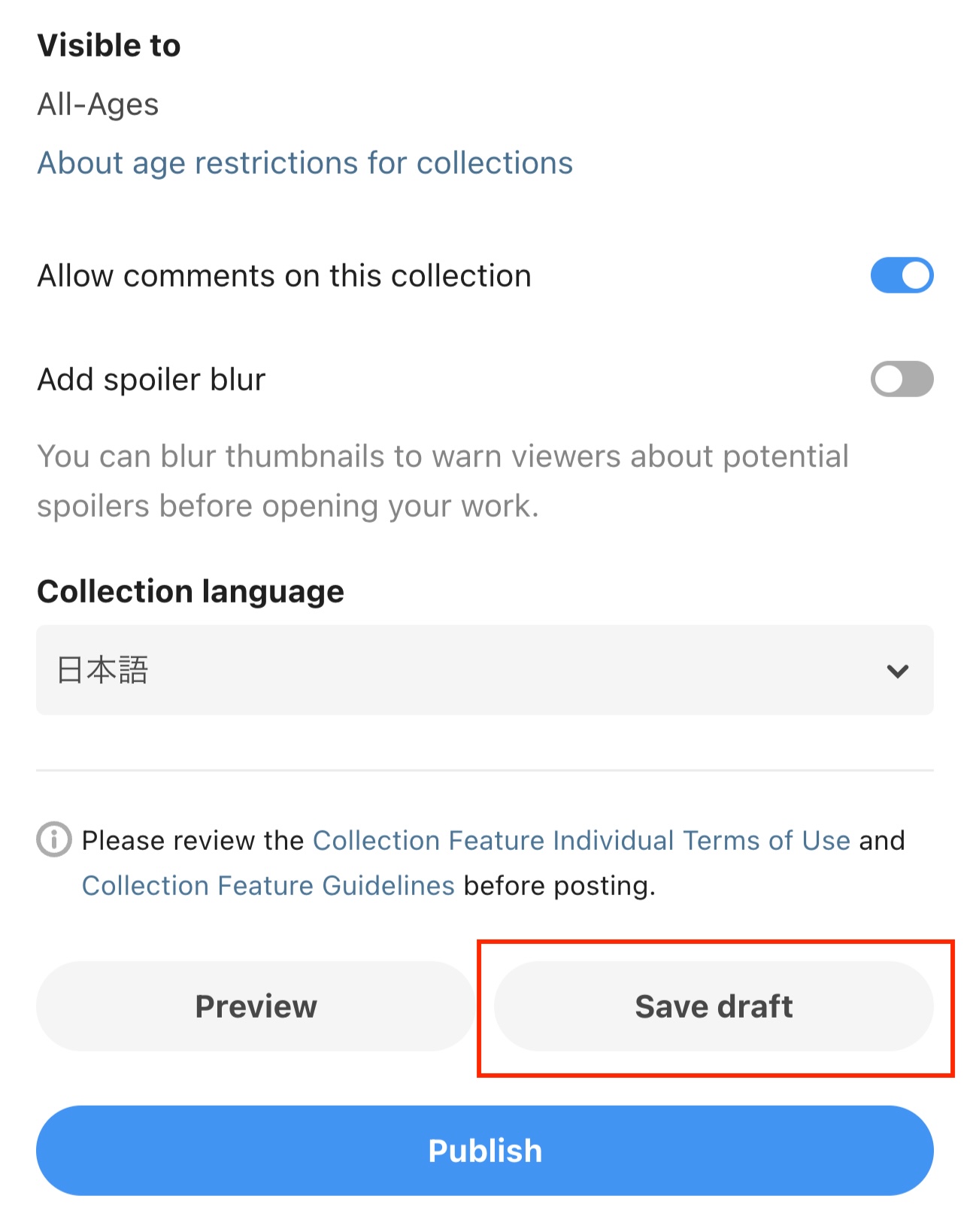
You can save collections as drafts while you're still working on them.
To save a draft, tap ""Save as draft"" on the ""Create collection"" or ""Post settings"" page.
How to edit a saved draft
From the main Collections page, tap "Try it now" to open the template selection page.
Select "Edit latest draft" to resume from your latest saved draft, or "View all" to see all saved drafts.
You can save up to 100 drafts at a time.